Fix the Pixels, Keep the Picture — AI Image Enhancers
For low-quality files and old photographs: how AI upscaling, denoising and restoration improve sharpness and resolution while leaving the content untouched — including where restoration genuinely stops working.
The Content Is Right; the Pixels Aren't
A family scan from 1998, soft and scratched. A product photo shot on a phone three phones ago. A web-sized image the client now wants on a roll-up banner. In every one of these cases the picture itself is right — the composition, the subject, the moment — and only the quality is wrong. That is the exact territory of an AI image enhancer: upscale, denoise, sharpen and restore without touching the content.
The boundary line within this category is strict: editing changes what is in the picture; enhancement keeps it intact. If you need a background gone or an object erased, you are looking for an AI image editor. If the photo is simply blurry, noisy, faded or too small for its destination, everything on this page applies.
In a production pipeline, generators create, editors alter, and enhancers finish — the last step before an image goes to print, to a marketplace with enforced resolution minimums, or to an archive at the highest fidelity available.
TL;DR — What AI Enhancement Can and Cannot Fix
Enhancement keeps the content of your picture intact while fixing sharpness, noise and resolution — this guide maps each tool to what it can realistically deliver.
- Upscaling: 2–4x is routine, Topaz Gigapixel reaches 6x, Magnific pushes 16x by inventing detail rather than recovering it
- Old photos: scratches and fading respond well, but blurred faces are reconstructed, not recovered — expect plausible, not identical
- Print math: aim for 300 DPI — a 6x upscale turns an 800×600 scan into a 16×12 in print
- Krea for quick optimization, Remini for portraits, Topaz Gigapixel for professional print work
Start from the Output Size
a quality print or a platform's resolution minimum defines the pixel target, and that defines the upscale factor you actually need.
Top Tools for Upscaling and Restoration
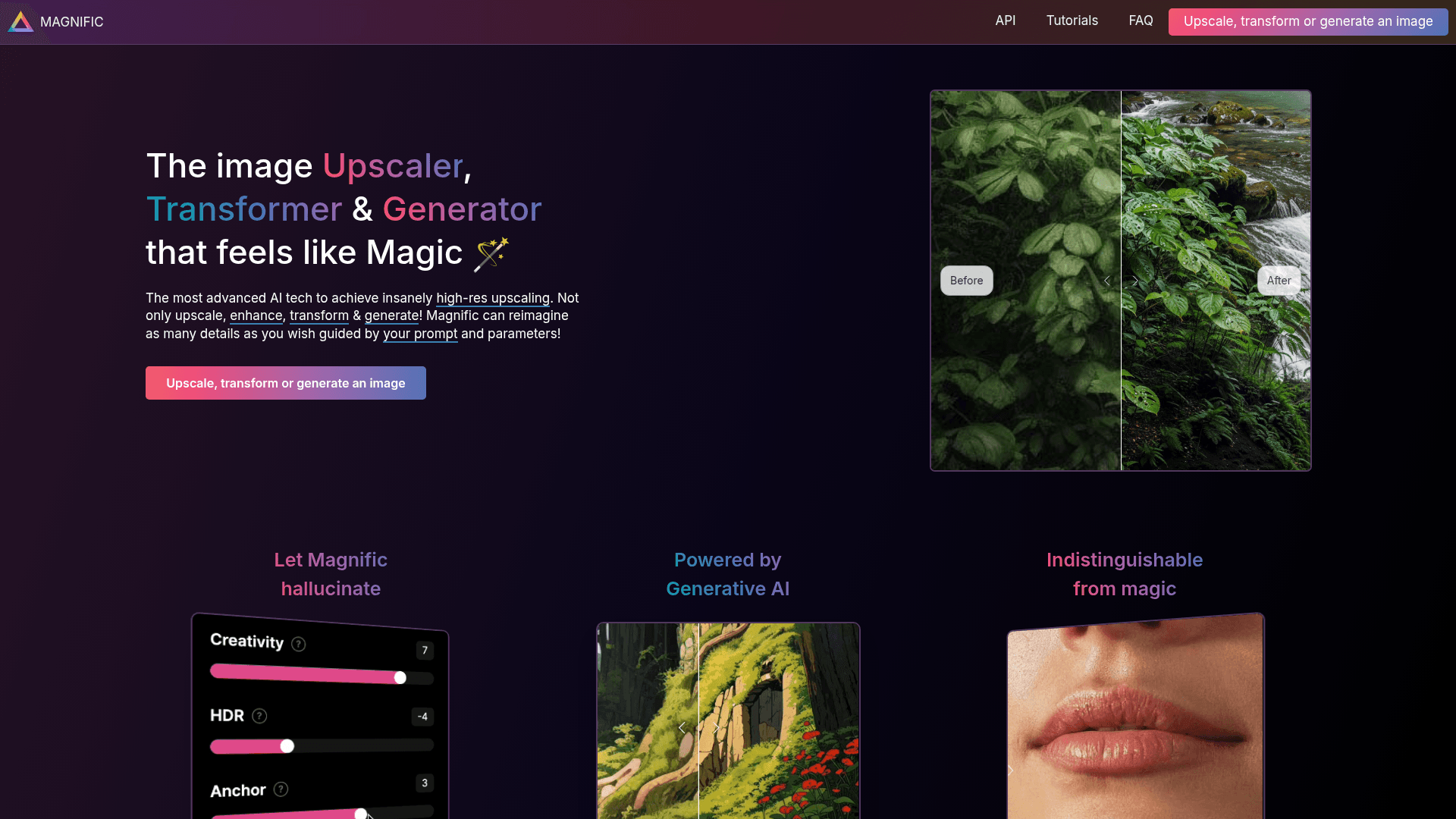
Magnific AI
AI image upscaling. Increase resolution while keeping photorealistic detail.
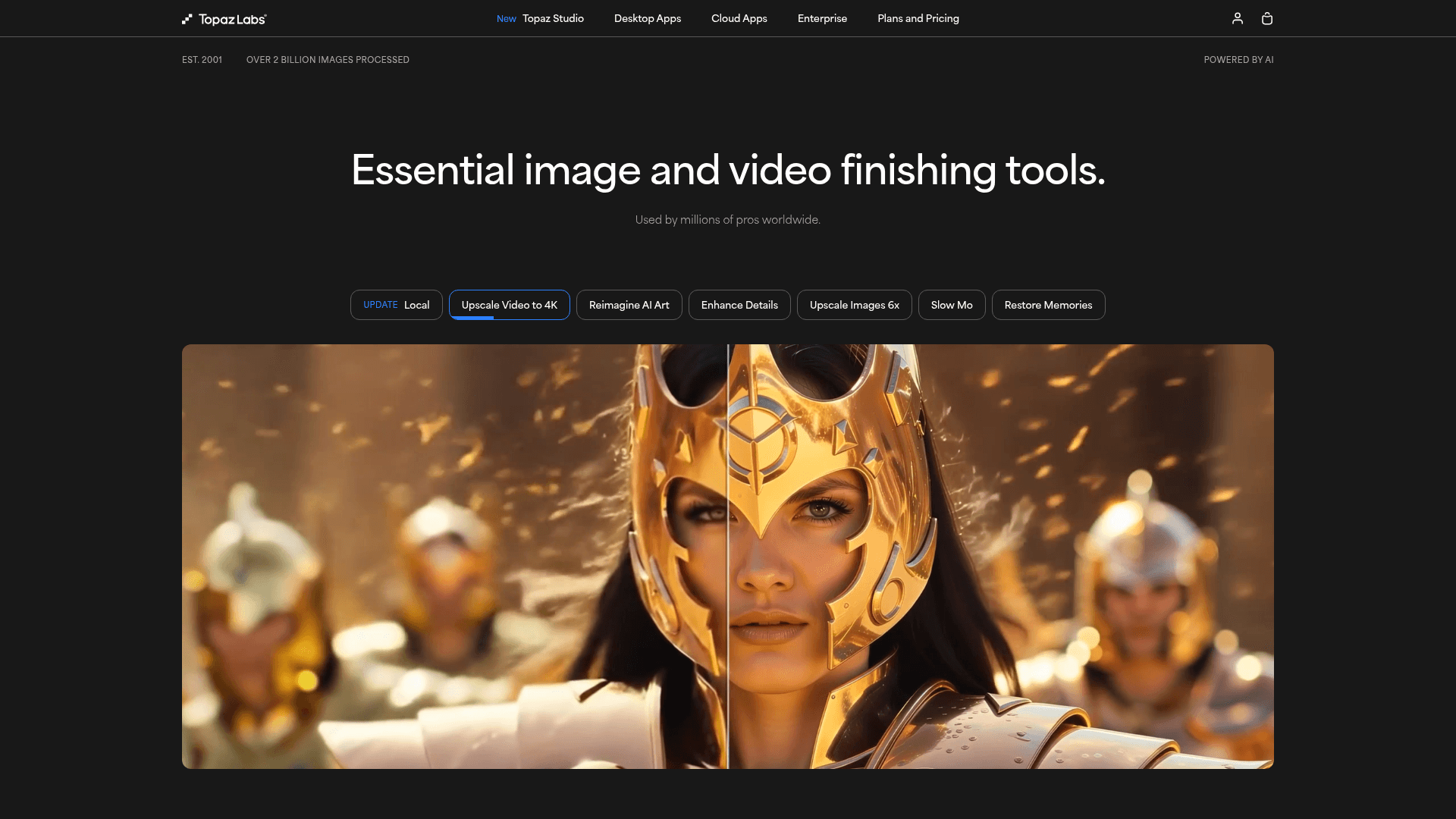
Topaz Labs
Professional AI enhancement suite. Noise reduction and upscaling.
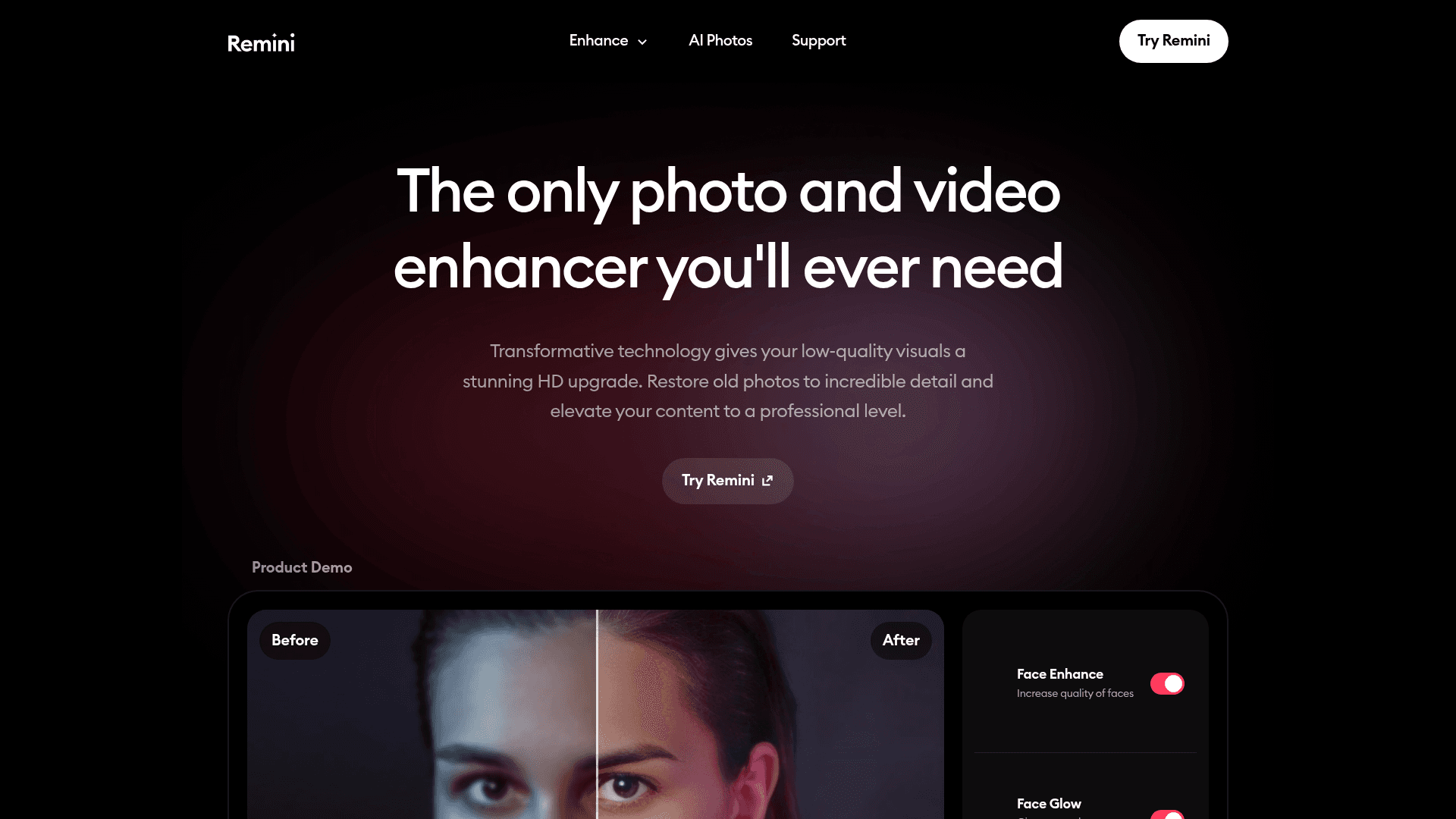
Remini
Improve old or low-quality photos with AI. Face restoration and sharpening.
Why Upscaling Works — and When It Invents Detail
Modern enhancers rest on convolutional networks and generative adversarial networks that process an image at multiple scales, learning the mapping between low-quality and high-quality versions of the same content. That is why super-resolution can reconstruct an edge that was never cleanly captured: the model knows what edges like that usually look like.
Crucially, none of it requires manual parameters. The pipeline detects noise, blur, low resolution and color shifts on its own and applies targeted corrections — a sharp break from the old sharpen/radius/noise sliders you had to tune by eye.
The honest caveat: reconstruction is not recovery. Detail in an upscaled image is plausible, synthesized from patterns the model learned, not extracted from your original file. At 2–4x this usually reads as clean; push to 16x with a creative tool like Magnific and the model is visibly inventing texture — desirable for illustration, a problem for evidence.
Restoration, Print Prep and Product Images
Old-photo restoration is the flagship use case. Deep learning models repair scratches, recover faded contrast and rebuild facial detail in photographs that predate digital cameras, letting families and archivists preserve memories at a clarity the physical prints no longer have. The repaired faces deserve scrutiny, though — see the FAQ on what restoration can and cannot honestly recover.
Print preparation is where the math pays off. At 300 DPI, an 8×10 in print demands roughly 2400×3000 pixels; a 6x pass through Topaz Gigapixel turns an 800×600 scan into 4800×3600 — comfortably a 16×12 in print. Enhancement is what lets small or legacy files reach print at all, without visible pixelation or the softness of naive enlargement.
Professional work benefits just as much. Photographers recover skin texture in portraits and clarity in landscapes; product teams lift low-resolution supplier photos to marketplace standards. Automated pipelines keep the look consistent across an entire catalog, which manual correction never quite manages.
For social and content teams, enhancers are a finish line: sharpening, saturation and noise cleanup applied in batch so every published image carries the same visual weight — the quiet difference between a feed that looks curated and one that looks collected.
Conclusion
Map the tool to the defect. Krea for fast, lightweight optimization; Magnific when the enlargement itself is creative; Remini for portraits and old-photo recovery; Topaz Gigapixel for professional print-grade upscaling. The right choice follows from your worst file, not your best one.
Enhancement earns trust by respecting the picture. It will fix noise, sharpness and size; it will not — and should not — decide what the photo ought to contain. Keep that line visible and these tools stay exactly as powerful as they claim.
Leading AI Image Enhancers Side by Side
| Tool | Key Features | Ideal Use Cases | Pricing Model |
|---|---|---|---|
| Krea | Smart enhancement, e-commerce optimization, real-time adjustments | Quick photo fixes, product image optimization | Subscription |
| Magnific | Creative upscaling with added detail and texture, up to 16x | Enlarging digital art, creative photo enhancement | Pay-per-use or Subscription |
| Remini | Photo restoration, face enhancement, 'native 4K' effect | Restoring old photos, improving selfies and portraits | Free + Subscription |
| Topaz Gigapixel | Up to 600% (6x) upscaling, detail reconstruction, RAW support | Photography post-processing, print preparation | One-time Purchase License |
| Cutout.pro | Smart deblurring, resolution improvement, batch processing | Old photo restoration, low-resolution image enhancement | Subscription |
Perguntas Frequentes
Share