The AI Image Editor for Photos You Already Have
You already have the image — you just need it different. This guide compares AI image editors by editing granularity and workflow fit: background removal, inpainting, outpainting, batch processing and Photoshop integration.
From the Photo You Have to the Photo You Need
A product shot lands on your desk with a cluttered background. A group photo has one stranger in the corner. A campaign banner needs the landscape to keep going past the edge of the original frame. None of these call for generating a new image — they call for changing the one you already have, and that is the job of an AI image editor.
Inside a visual pipeline, editing sits between two other tasks. Generators create images from scratch; enhancers improve the technical quality of an image without touching its content. Editors do the third thing: they change what is in the picture — dropping a background, filling the hole where an object used to be, extending the canvas, retouching a face. That dividing line is worth memorizing, because it decides which tool category your task actually belongs to.
For photographers, designers and content teams, the payoff is speed on edits that used to be pure manual labor: careful selections, cloning, masking. The question this guide answers is not which editor produces the prettiest pixels, but which one offers the right level of control and plugs into the workflow you already run.
TL;DR — Picking an AI Image Editor in 2026
The right AI image editor depends less on generation quality and more on how precisely it can change an existing image and where it fits in your workflow.
- Decide the granularity you need: one-click background removal, region-level inpainting, or a full image-to-image rewrite
- remove.bg and Clipdrop win on speed and batch output; Gemini and Seedream handle complex multimodal edits; Adobe Firefly works inside Photoshop
- Weigh workflow embedding first — web app, plugin or API — before comparing prices
- Batch processing is what separates production tools from toys when whole folders need the same edit
Choose by Edit Granularity and Workflow Fit
one-click background removal, region-level inpainting, canvas-extending outpainting and full image-to-image rewrites each demand a different class of tool.
Best Picks for Editing Images You Already Have
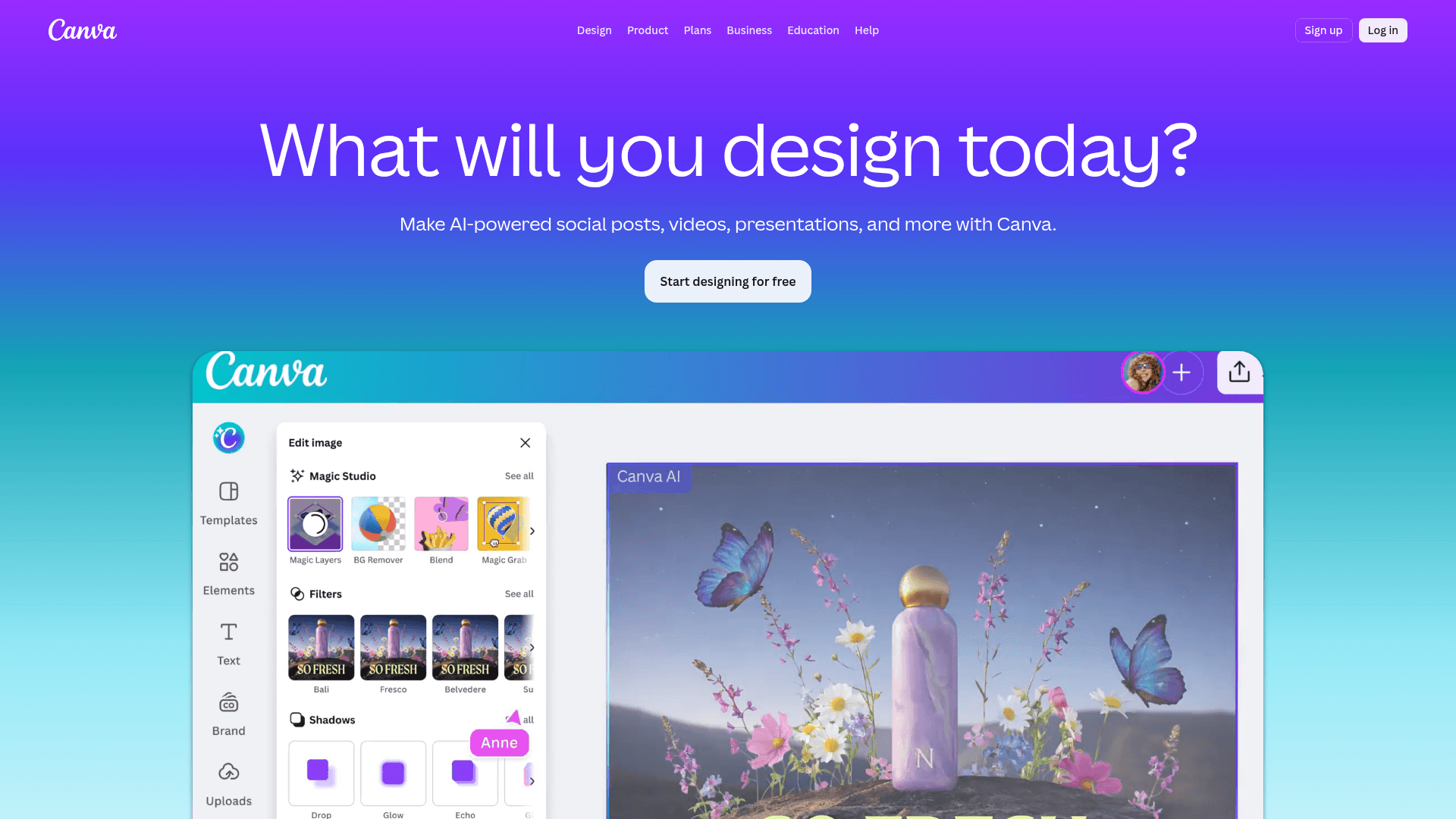
Canva
Full design platform with built-in AI. Image editing, video and graphic design in one place.
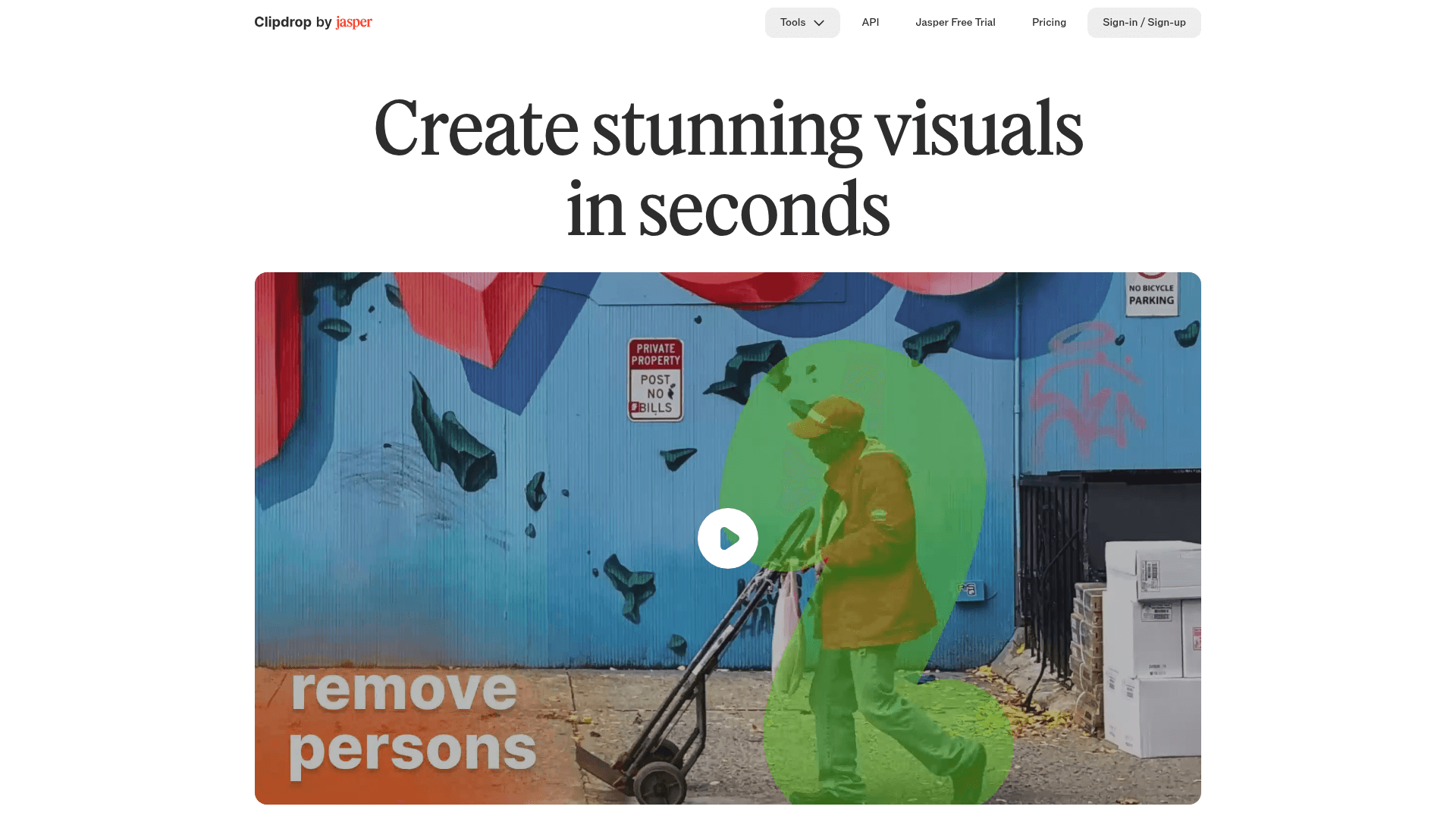
Clipdrop
AI image editing: background removal, relighting and upscaling in seconds.
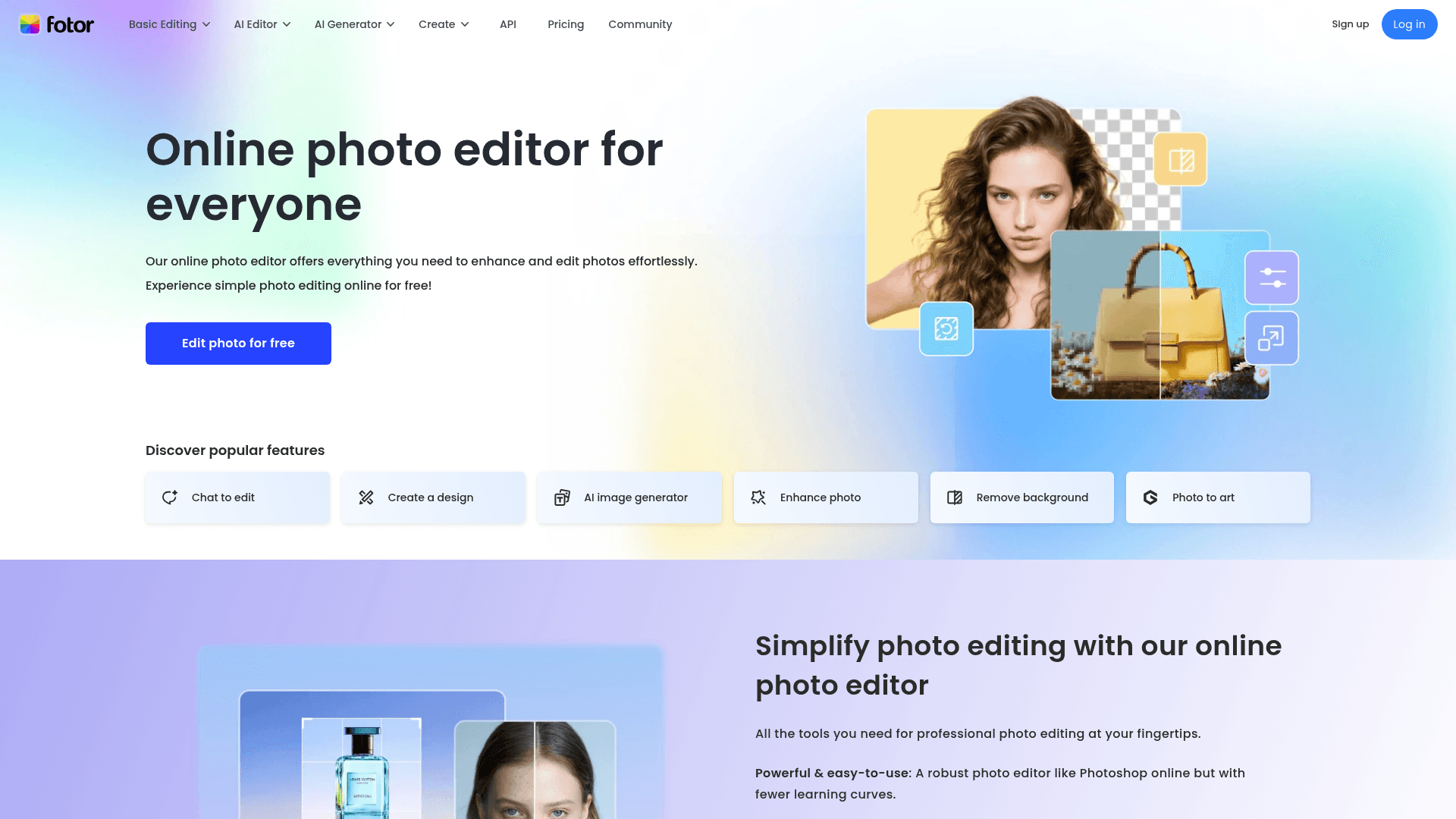
Fotor
Online photo editor with AI. Auto enhancement, background removal and effects.
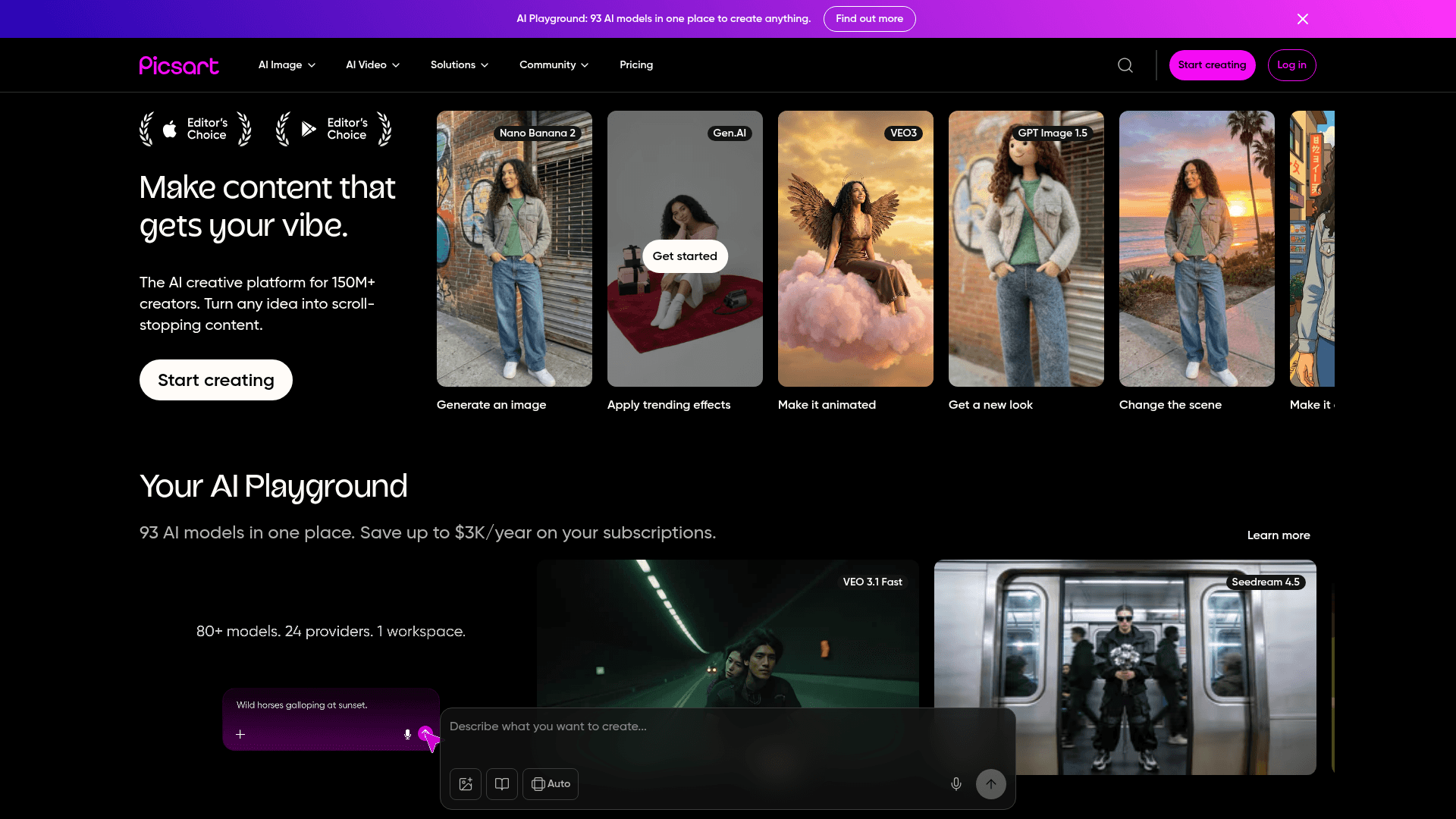
Picsart
Complete creative platform with AI. Photo and video editing with collaborative design.
How the Edit Actually Happens
Traditional editing is selection work: you trace the object with a lasso or pen tool, and the software follows your instructions literally. AI editors invert that arrangement. Machine learning models analyze the image, recognize objects, people and regions on their own, and let you state the intent — "remove this", "extend that" — while the model figures out the boundaries.
For edits that create new pixels, generative models take over. Diffusion-based systems fill the area where an object was removed with content that matches light, texture and perspective — generative fill — or transfer the style of a reference image onto the target. Because these models are trained to blend their output with the original, the seams are usually invisible at viewing size.
Other tasks lean on specialized computer vision instead. Background removal is the classic case: a segmentation model trained to separate foreground from background cuts the subject out in seconds, at a consistency no manual clipping path can match across a batch of five hundred shots.
Backgrounds, Inpainting, Outpainting, Batches
Background removal remains the workhorse. E-commerce catalogs need products on white or transparent backgrounds; content creators need subjects they can composite into new scenes. What used to be an outsourcing line item becomes a batch job that finishes before lunch.
Inpainting and object removal handle the edits that are about subtraction — the stranger photobombing the shot, the power line crossing the sky, the watermark on a licensed preview. Generative fill reconstructs what plausibly stood behind the removed element, and the same mechanism works in reverse for adding objects that were never there.
Outpainting extends the frame itself. Need a square product photo to become a wide hero banner, or a portrait crop to fit a vertical story format? The model continues the scene beyond the original edges — sky, pavement, studio backdrop — so the same asset adapts to every placement.
Portraits and creative restyling round out the category. Face-aware retouching smooths skin, brightens teeth and fixes lighting while respecting anatomy, and style transfer can push a photo toward a Van Gogh palette or a cubist structure. Many professionals run these steps inside Photoshop via Firefly rather than exporting to a web tool — a workflow decision, not a quality one.
The Short Version
Pick by granularity and embedding, not by demo reels. Gemini and Seedream suit complex image-to-image work; remove.bg and Clipdrop are the pragmatic choice for high-volume, straightforward edits; Adobe Firefly is the answer when Photoshop is already home.
One caution travels across every tool in this category: an AI editor executes changes fast, but deciding which changes serve the image is still your call. Treat the editor as the fastest pair of hands you have ever worked with — and keep the eyes.
AI Image Editors Compared
| Tool | Key Strength | Best For | Pricing Model |
|---|---|---|---|
| Gemini | Multimodal, context-aware editing | Developers and complex edit pipelines | API (Paid) |
| Seedream | High output quality and fast processing | Real-time apps and professional editing | API (Paid) |
| Adobe Firefly | Deep integration with the Adobe ecosystem | Designers and Creative Cloud users | Subscription |
| remove.bg | Precise one-click background removal | E-commerce and content creators | Credits (Pay-per-use) / Subscription |
| Clipdrop | Multi-tool editing suite | Batch editing and API integration | Freemium / API (Paid) |
| Skylum | Professional photo enhancement | Pro and hobbyist photographers | One-time Purchase / Subscription |
Perguntas Frequentes
Share