Fotor: An Online Photo Editor for Everyone
Fotor is a complete online photo editor, perfect for enhancing and retouching your images effortlessly. It spans everything from basic adjustments to advanced AI tools, making photo editing accessible to everyone — for free.
Visit Fotor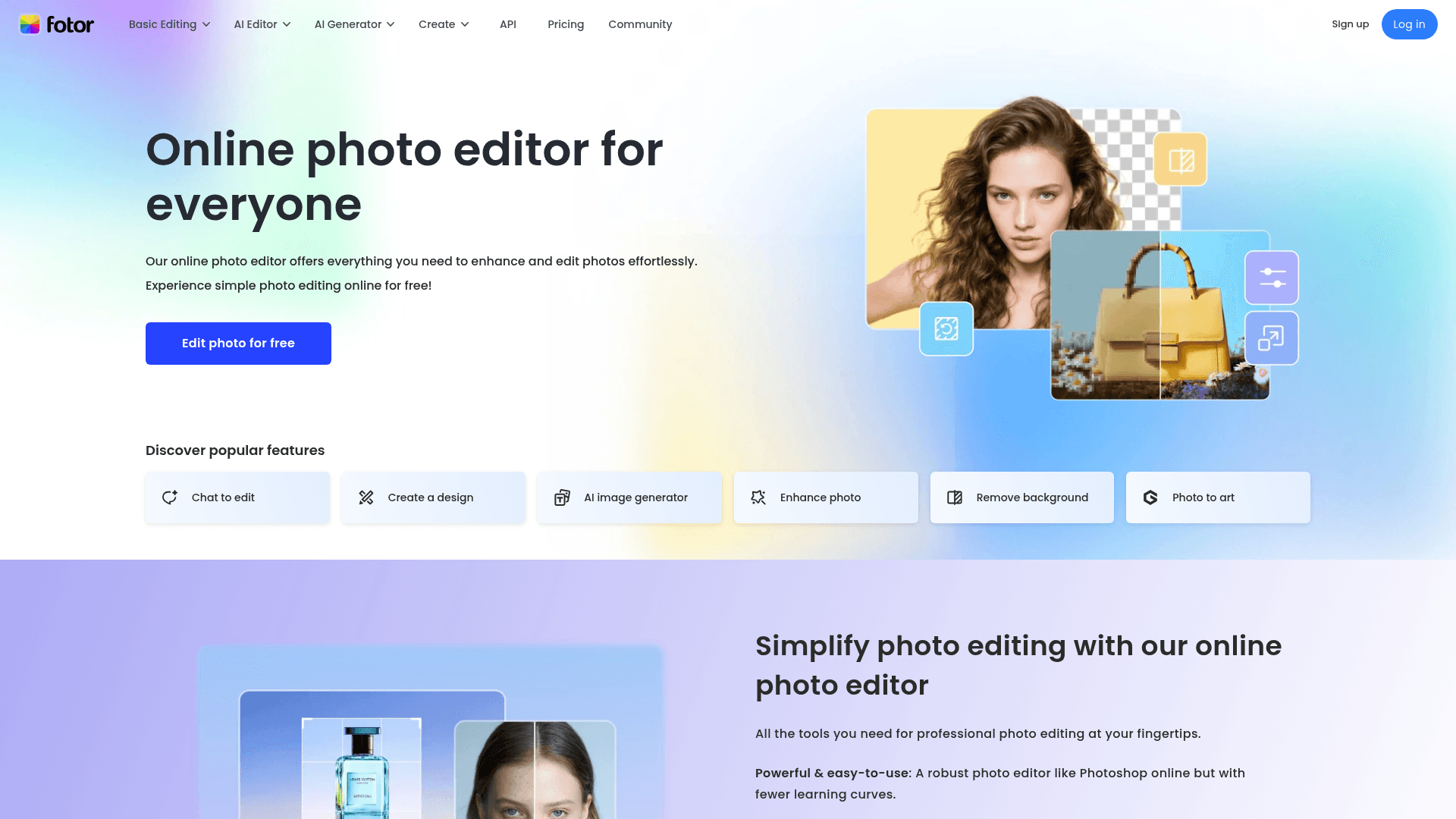
Discover Fotor: Your Complete Online Photo Editor with AI
Fotor is a versatile, intuitive online photo editor that democratizes image editing for beginners and professionals alike. Behind a friendly interface sits an impressive range of tools, from basic adjustments like brightness and contrast to advanced AI-powered features. Whether you need to remove backgrounds, generate images from text, build stunning collages, or apply artistic effects, Fotor works as a complete, efficient solution. Beyond raw power, it focuses on simplifying complex processes, with easy batch editing and portrait retouching. It is the go-to choice for anyone who wants better photos without expensive software or a long learning curve.
Fotor's Key Features
AI Photo Editing
AI Image Generator
Batch Photo Editor
Flexible Photo Collage
Filters and Artistic Effects
Built-In Design Resources
Fotor Use Cases and Target Audience
Social Media Content
Eye-catching graphics and optimized images to drive engagement on Instagram, Facebook, and Pinterest.
Digital Marketing and Advertising
Banners, ads, and visual material for online campaigns, powered by AI tools and quick editing.
Photography and Professional Retouching
Portrait enhancement, blemish removal, and color correction for photographers chasing high-quality results.
Graphic Design and Personal Material
Invitations, cards, and other customized visuals for personal or professional use.
Público-alvo: Digital Entrepreneurs, Influencers and Content Creators, Amateur and Professional Photographers, Small and Medium Businesses (SMBs)
Prós e Contras
Prós
- Intuitive interface that works for every skill level.
- A wide range of editing tools, from basic to advanced.
- AI features that simplify complex tasks and spark new content.
- Available across platforms — web, desktop, and mobile.
- Batch editing features that streamline your workflow.
- Affordable plans, including a solid free option.
Contras
- The free version has limits — watermarks on some export formats.
- Free AI credits can run thin if you edit intensively.
- Some advanced features and AI models are exclusive to higher paid tiers.
- AI model quality varies, so occasional manual touch-ups are needed.
Fotor Pricing Plans
Unused credits roll over for up to 5 months while your subscription stays active. Prices are based on annual billing.
Melhores Alternativas
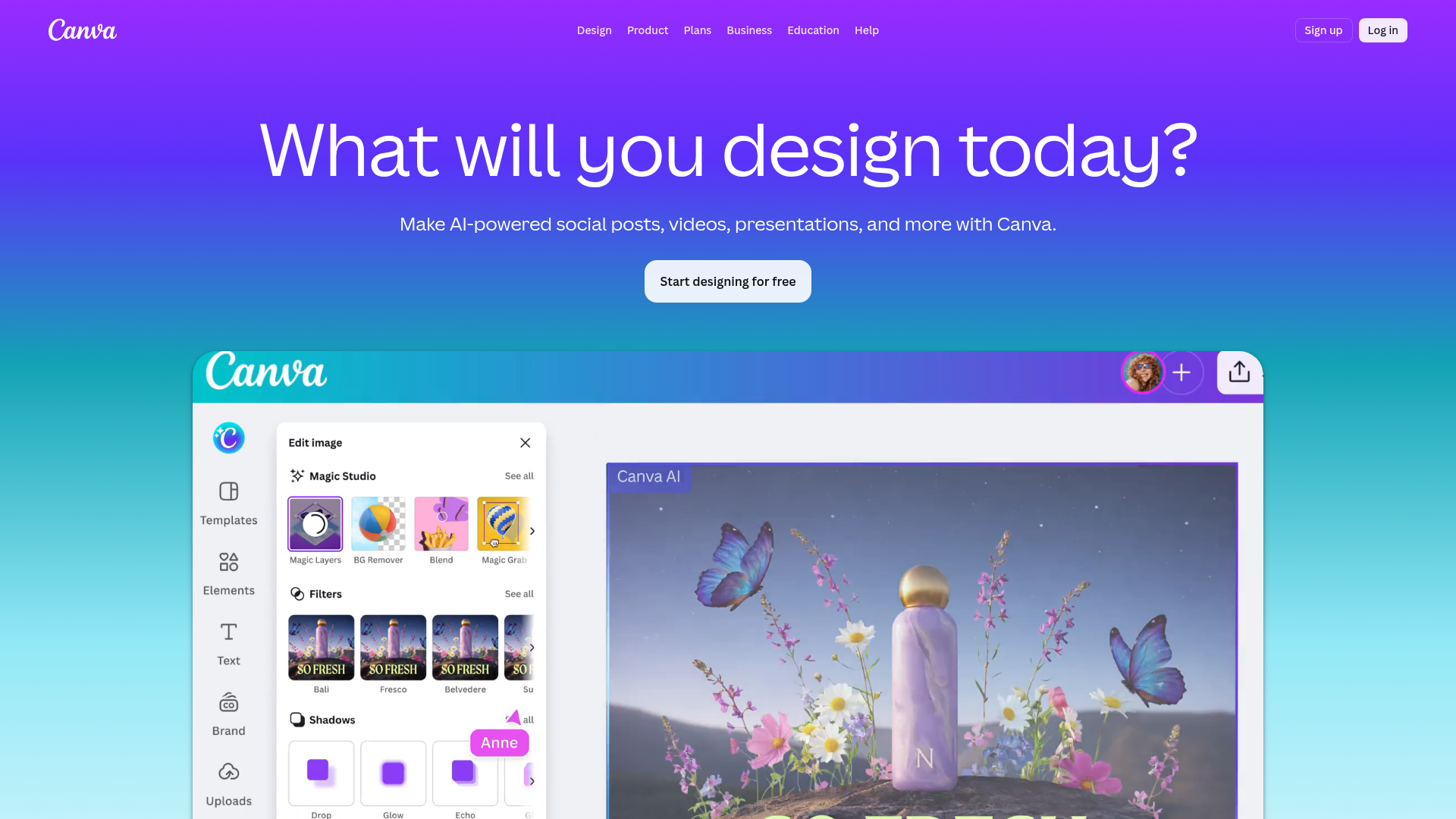
- Canva: An online graphic design platform focused on ease of use, rich in templates and aimed at design for non-designers.
- Pixlr: An online photo editor with many tools and features, offering a Photoshop-like experience in the browser.
- Adobe Express (formerly Adobe Spark): Adobe's tool for quickly creating social graphics, short videos, and web pages, focused on simplicity and templates.
The Smart Choice for Your Photo Editing
Fotor has established itself as a powerful, affordable option for anyone who wants to improve their images. Its blend of traditional editing features with AI innovation makes it a serious contender in the market. For a quick retouch or a complex design project, Fotor delivers the flexibility and efficiency you need.
- Best for Content creators, marketers, entrepreneurs, and photographers looking for a complete AI photo editing solution.
- Highlight The combination of advanced AI tools and batch editing that speeds up work and unlocks new creative possibilities.
- Consider alternatives if You need very specific offline editing software, or graphic design capabilities far beyond photo editing.
Produtos Relacionados
Perguntas Frequentes
Última atualização: 1 de março de 2026